
Mustica Font
Mustica Script is a wavy, modern, and classic calligraphy, so soft is perfect for your next design, such as logos, printed quotes, invitations, cards, product packaging,…

Try Mustica Font
The quick brown fox jumps over the lazy dog
Character set · 597 glyphs

 ForexCouponsOtherA coupon website listing discount codes for prop trading firms, brokers, crypto services and other forex-related…See the tool →Prompt to try
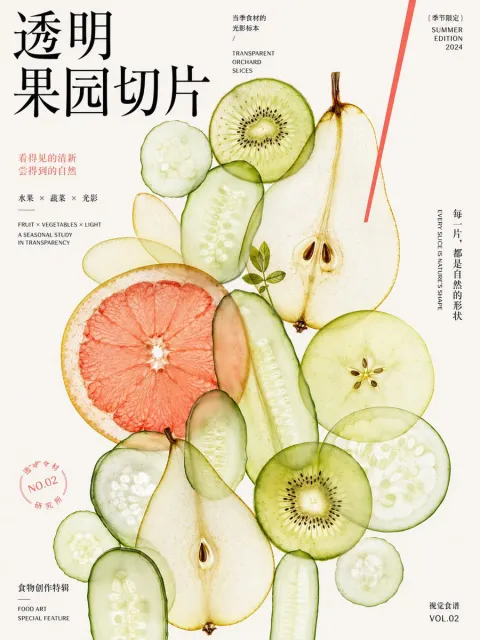 Translucent Concept Poster in Chinese TypographyCopy the prompt →From the blogSkeeter: A 7 ft 10 in Hydroplane That Tops 40 mph2 min read →
Download Mustica Font
ZIP (TTF / OTF) · free for personal use, check the included license for commercial projects.
Mustica Script is a wavy, modern, and classic calligraphy, so soft is perfect for your next design, such as logos, printed quotes, invitations, cards, product packaging, headers, and anything else about your imagination.
Mustica Script allows you to create custom dynamic text. You can access it by turning on Stylistic Alternates, Swash, Stylistic Set, Initial, and ligatures in Photoshop, Adobe Illustrator, Adobe InDesign, or through a panel of glyphs such as Adobe Illustrator or Photoshop CC. Let’s switch from the regular character into a character alternative to get the text with the layout of your dreams. Mustica Script also includes glyphs, punctuation, numbers, and multilingual.
Mustica Script features 670 glyphs and has given PUA unicode (specially coded fonts) with many alternate characters. Any crafter or designer can fully access the pack without requiring extra design software, COMPATIBLE WITH SILHOUETTE & CRICUT DESIGN SPACE.
It also supports programs such as Adobe Illustrator, Adobe Photoshop, Adobe InDesign, Corel Draw X version, and Microsoft Word; language Support includes Albanian, Basque, Breton, Chamorro, Danish, Dutch, English, Faroese, Finnish, French, Frisian, Galician, German, Icelandic, Italian, Malagasy, Norwegian, Portuguese, and Swedish.
The Features of this font is: Contextual Alternates, standard ligatures, Stylistic Alternates, Stylistic Sets, initial.
Features Basic Latin A-Z and a-z Numbers Symbols
If using a Mac, the easiest way to find the glyph you require is to use the Font Book application (included in the standard installation of OSX). Choose View Repertoire from the application menu and select the font to display all characters included. Click to select any of the displayed glyphs and copy/paste it back into Photoshop
How to access all of the alternate characters in Microsoft Word: click symbols, select more symbols,
how to access all the glyphs in CorelDraw: on the Menu Bar, click Text, choose Character Insert, or press Ctrl + F11 on the keyboard, and select the font meant
Where Mustica Font works best
Greeting cards and personal notes
A short phrase in Mustica Font carries warmth that a typeset sans cannot fake; keep the rest of the card plain.
Café and bakery menus
Chalkboard-style headings in Mustica Font make a menu feel hand-made. Keep the dish descriptions in a simple face so prices stay readable.
Social posts with a human voice
One line of Mustica Font over a photo is enough; the script carries the tone and the caption does the work.
Is Mustica Font really free?
The download costs nothing and needs no account. What you may do with the font afterwards is set by its author: the license file travels inside the archive, and it is the only document that decides whether a commercial project is covered.
How do I install it on Windows or a Mac?
Three steps, no extra software:
- Download the ZIP and extract it (double-click on Mac, right-click → Extract on Windows).
- Open the .ttf or .otf file and click Install / Install Font.
- Restart the app you want to use it in — the font is now available system-wide.
What kind of work does Mustica Font suit?
It sits in the Script And Handwritten group and reads as branding, calligraphy, classic, food. That makes it a candidate wherever those qualities help: headings, packaging, social graphics and brand work. Set it at the size you plan to use before deciding.
Mustica Font previews
8 samples — glyphs, weights and use cases


Similar Script And Handwritten
More free fonts in the same category.


